Disabling optimizations – debugging third-party dlls with Reflector Pro
How to disable optimizations when debugging third-party dlls with Reflector Pro

How to disable optimizations when debugging third-party dlls with Reflector Pro
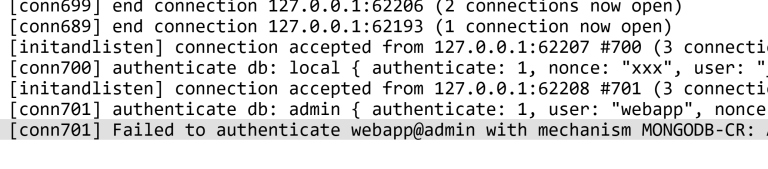
I setup a Mongo arbiter instance alongside two full instances for use with Sitecore 8 xDB database. Shortly afterwards I noticed the arbiter log was full of authentication failures. This isn’t a big huge problem, but it fills up the arbiter log and may cause concern wondering if there’s an underlying configuration problem.
Sitecore uses the extensive log4net logging framework to handle the large volume of logging entries it generates. Sometimes vague log entries can leave you scratching around trying to find where they originated from. This post explores some simple steps to add useful detail to, and real-time viewing of, the Sitecore log.
Using the new Sitecore contentsearch api allows you search against a lucene index with very little effort. Examples are a bit short on the ground but using Linq you can find yourself doing something like this to search for an item by name, somewhere within a folder structure: public void BadSearch(string searchTerm) { var webIndex…
This XmlException can occur within a Sitecore site where a general link field contains just plain text, for example a template flipped from link field to text field or just editing in raw. Clear the field and re-populate with a valid target.